USB‑C Vs 3.5mm Vs Bluetooth: Which Connection Is Best For Work Headsets?
USB‑C, 3.5mm, and Bluetooth each bring different strengths to daily calls. If you care about reliability, mic quality, platform quirks, and power delivery, the “best” option depends on where and how you work. Below is a practical breakdown so you can pick confidently and avoid common call issues.
Quick Answer
- If you want the fewest surprises on laptops and docks, pick USB‑C.
- If you need a simple, universal analog plug for older gear, 3.5mm works—just watch mic wiring standards.
- If you need mobility and multi-device freedom: Bluetooth is convenient, but watch for mic quality tradeoffs and OS quirks during calls.
What Matters Most
Reliability
- Consistent connection and device detection across Windows, macOS, and mobile.
- Resistance to dropouts from interference, flaky ports, or loose jacks.
Mic Quality
- How clear your voice sounds to others.
- Noise rejection, beamforming, and whether the connection mode limits audio when the mic is active.
Platform Quirks
- How Windows/macOS/Linux/ChromeOS enumerate devices.
- Whether Zoom/Teams pick the right “profile” automatically.
- Driver, privacy, and permissions gotchas.
Power Delivery
- Whether your headset draws power from the cable or relies on a battery.
- Sidetone, active noise control, and DSP features often need stable power.
USB‑C Headsets
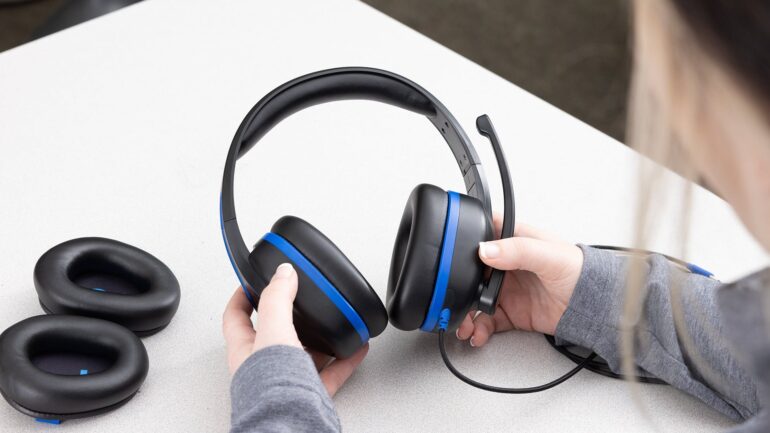
USB‑C brings digital audio, power, and control in one connector. For most modern laptops and docks, it’s the most consistent wired choice.
Reliability & Power
- Solid, low-latency link that’s immune to RF interference.
- Draws power from your device, so no battery to charge on the headset.
- Data + power supports DSP features like sidetone, mic noise reduction, and volume/mute controls.
Mic Quality
- Typically strong because the ADC/DSP is in the headset.
- Consistent wideband voice, good background noise handling on certified business models.
- Less dependent on your laptop’s built-in sound card quality.
Platform Quirks
- Windows/macOS enumerate as a USB audio device; pick it as your default mic and speaker in Zoom/Teams.
- On Windows, check Microphone Privacy settings if the mic doesn’t pass audio.
- Some phones/tablets support USB‑C audio; others may limit features or require an adapter if the port is power-only.
Best For
- Desk-based work, hybrid office setups, hot-desking.
- Users who value plug‑and‑play stability and consistent mic performance.
- Long meetings where never charging a headset is a relief.
3.5mm (Analog) Headsets
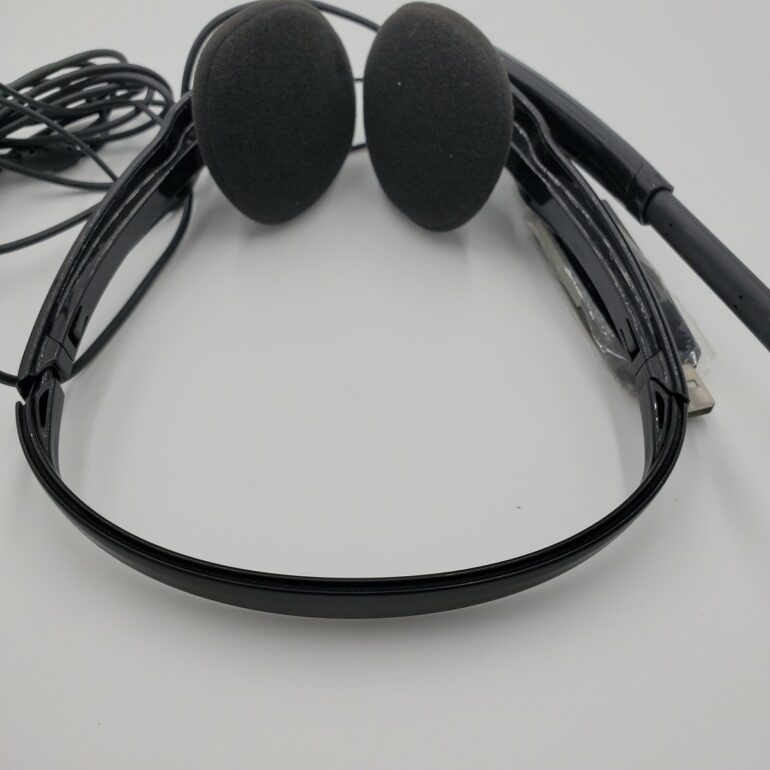
The classic plug is simple and widely compatible, but mic wiring and port types can trip you up.
Reliability
- Fewer software variables, but the physical jack can loosen or hiss on older hardware.
- No RF interference risk.
- Consistency depends on your device’s analog circuitry and the quality of your splitter (if needed).
Mic Quality
- Depends on your laptop/phone input stage and the headset mic capsule.
- Can sound excellent with the right pairing, but variability is higher than USB‑C.
- Passive connection means fewer built-in DSP features unless the headset has an inline module.
Platform Quirks
- TRRS standards: most modern devices use CTIA wiring; some older gear used OMTP. A mismatch can mute the mic.
- Many PCs have a single combo jack (headphone + mic). Desktop towers often split into separate mic and headphone jacks—use a Y-splitter if needed.
- iPhones no longer include a 3.5mm jack; many Android phones have also dropped it.
Best For
- Users with reliable analog jacks and known-good wiring.
- Backup headset in your bag—works almost anywhere with the right adapter.
- Budget-conscious setups.
Bluetooth Headsets
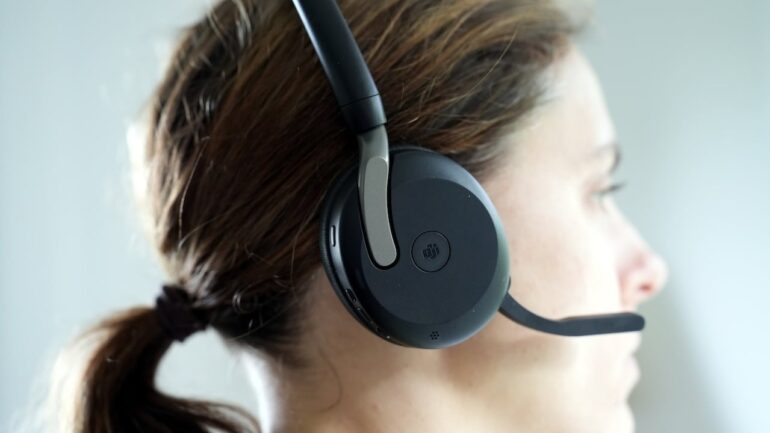
Bluetooth wins on mobility and multi-device use, but call quality and profiles matter.
Reliability
- Freedom to move; no cable snags.
- Susceptible to 2.4 GHz congestion, especially in crowded offices or near Wi‑Fi APs.
- Class-1 USB dongles (often bundled with business headsets) typically provide a steadier link than pairing directly with a laptop.
Mic Quality
- When the mic is active, headsets often switch to a narrowband “hands‑free” profile on Windows (look for “Hands‑Free AG Audio”), reducing speaker fidelity.
- Many business headsets improve voice pickup with beamforming and noise suppression, but you still face bandwidth limits of call profiles.
- Codecs like LC3 and mSBC improve things, but behavior varies by OS and app.
Platform Quirks
- Windows may show two devices: Stereo (music) and Hands‑Free (calls). Ensure Zoom/Teams use the Hands‑Free device for the mic and set the same device for output.
- macOS is simpler but can still switch profiles during calls.
- Multipoint is handy but can cause unexpected switching; disable auto-switch on critical calls if your headset supports it.
- Zoom/Teams updates can change behavior; keeping headset firmware current helps.
Best For
- Mobile workers who value movement and quick device switching.
- Users who take calls away from the desk or pace while presenting.
- Environments where cables are impractical and a certified BT dongle is available.
Power Delivery & Charging
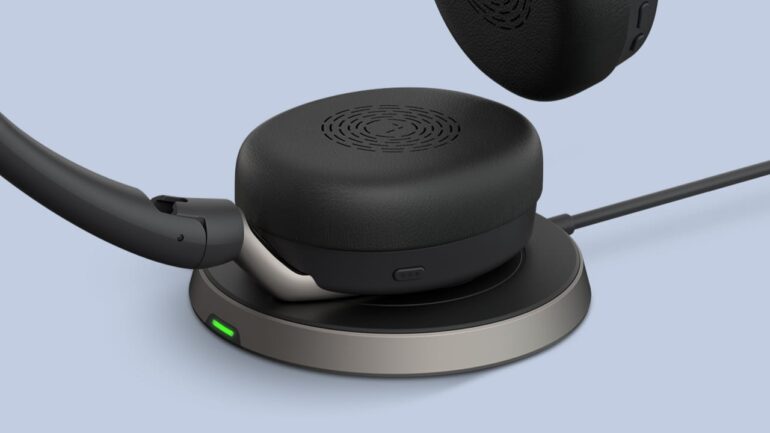
- USB‑C: Powered from the host. Reliable for long days; features like sidetone and noise filtering stay consistent.
- 3.5mm: No power supplied; any DSP requires an inline module with its own power. Simpler overall.
- Bluetooth: Battery-powered. Check rated talk time and quick-charge support. Keep a charging habit or a spare cable for back-to-back meetings.
Setup Tips for Fewer Call Issues
USB‑C: First-Time Setup
- Plug in and wait for the OS to recognize the headset.
- In Zoom/Teams: select the USB headset for both Microphone and Speaker.
- On Windows: Settings > Privacy & security > Microphone > allow apps to use your mic.
- Run a test call to confirm sidetone, volume, and mute behavior.
3.5mm: Avoid Silent Mic Surprises
- Confirm your device’s jack type (combo vs separate mic/headphone).
- Use a CTIA‑compatible headset for modern devices; add a Y‑splitter if your PC has separate jacks.
- In Zoom/Teams: select the correct input (“External Mic” or sound card name).
- Do a quick recording to verify your mic is live and at the right level.
Bluetooth: Stable Calls, Less Guesswork
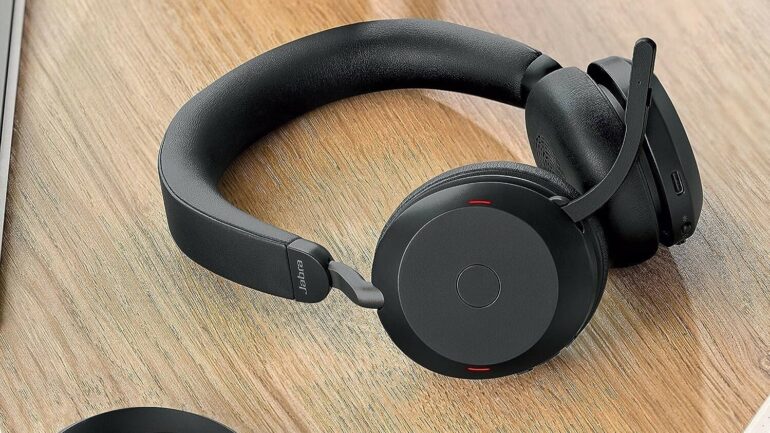
- If available, pair the included USB BT dongle instead of the PC’s native Bluetooth.
- In Zoom/Teams: pick the “Hands‑Free” device for both input and output.
- Disable auto-switching and multipoint during critical calls.
- Keep firmware updated, charge regularly, and avoid busy 2.4 GHz zones near access points.
Popular Types of Work Headsets
Popular types of head sets include mono on‑ear models for awareness, stereo over‑ear for focus, in‑ear options with a boom mic for portable clarity, and true wireless designs for maximum freedom. Pick the form factor first, then match the connection standard to your devices and work style.
Final Thoughts
If your priority is “it just works,” USB‑C is the most consistent choice on modern laptops and docks. If you need a simple, universal plug for mixed or older hardware, 3.5mm still holds up—just watch wiring and adapters. If movement and multi-device freedom are key, Bluetooth is great, especially with a business‑class dongle, but plan for battery and call‑profile behavior. Match the connection to your environment, then do a five‑minute test in Zoom/Teams before the big meeting.